
Propertese QuickBooks Integration
Real Estate Accounting Automated with QuickBooks for Property Management
You manage properties in Propertese. You handle the books in QuickBooks. Make sure every lease, every vendor bill, and every invoice is perfectly aligned with the Propertese property management software that integrates with QuickBooks. No import/export needed.
Trusted by Leading Property Companies Worldwide
Leading property management firms handle properties at scale with Propertese.




Propertese Go-to choice of Professionals
Trusted By Property Owners Across Multiple Markets
Delivering Superior Tenant Satisfaction
Processed Through Automated Systems
Here’s Exactly What Stays in Sync with Propertese and QuickBooks
Using QuickBooks for property management in Propertese ensures every piece of data that matters flows automatically between the two systems.
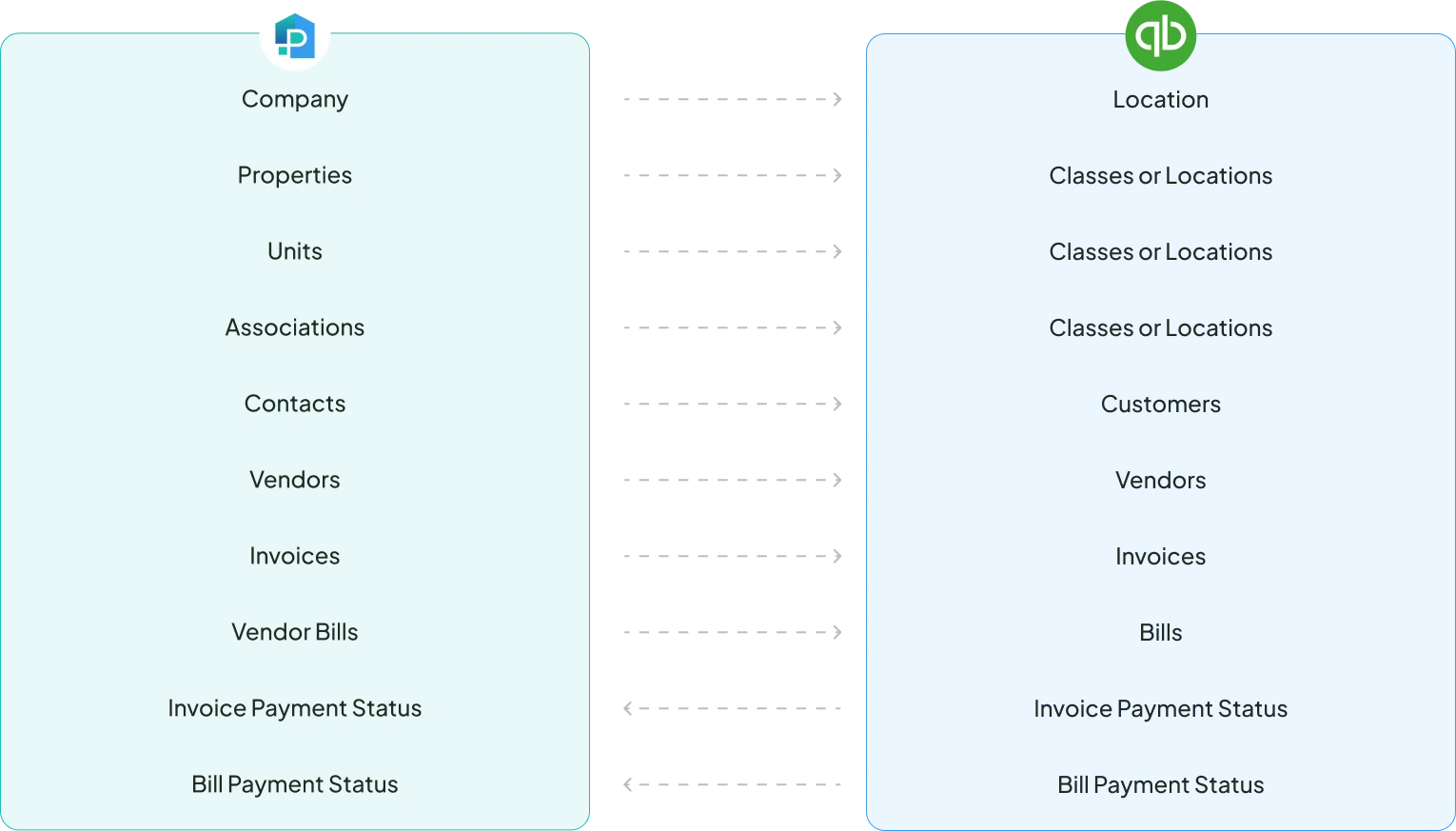
- Company
- Properties
- Units
- Associations
- Contacts
- Vendors
- Invoices
- Vendor Bills
- Invoice Payment Status
- Bill Payment Status
- Location
- Classes or Locations
- Classes or Locations
- Classes or Locations
- Customers
- Vendors
- Invoices
- Bills
- Invoice Payment Status
- Bill Payment Status
Here’s What You Can Do with Propertese-QuickBooks Integration
01
Eliminate Double Handling
Save hours every week by never typing the same data into two systems again. Our property management software integrates with QuickBooks to automate the manual data entry work.
02
Stay in Your Flow
When property managers work in Propertese, and accountants work in QuickBooks, this integration ensures both sides have the exact same, up-to-date information without the back-and-forth.
03
Stay Confident with Accurate Financials
Get pinpoint accurate financial information per property without any manual categorization. Propertese and QuickBooks automatically map information with bi-directional data transfer in real time.
04
Get Real-time Clarity
Know who has paid and who hasn’t, right from your property management dashboard in Propertese. The integration ensures all payments are automatically reflected in both systems as they happen.
See QuickBooks for Property Management in Action
Unify Your Entire Portfolio
- Sync your Propertese companies as Classes or Locations in QuickBooks
- Track your properties precisely using QuickBooks for property management
- Keep all property owners and associations in the loop financially
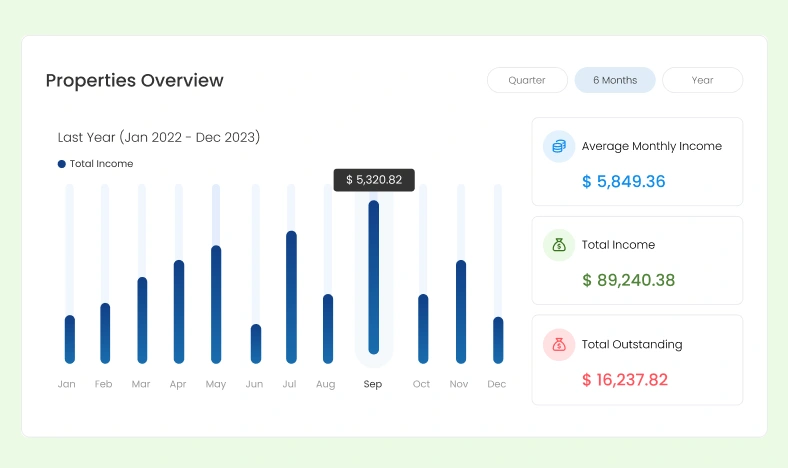
Get Insights into Your Properties
- Create P&L statements, variance reports, and budget analyses at a granular level
- Instantly get to know profitability per property and identify underperforming assets
- Stop waiting for month-end reports with QuickBooks for property management
Navigate Complex Scenarios with Ease
- Close the loop from the tenant request to financial resolution
- Manage bad debt seamlessly by processing invoices and bills write-off requests
- Handle the end of a lease smoothly by triggering a credit memo or refund receipt
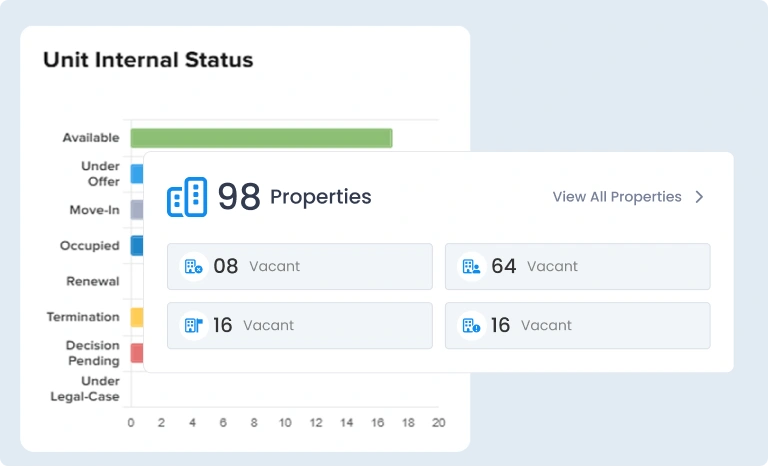
Sync Data Between Systems
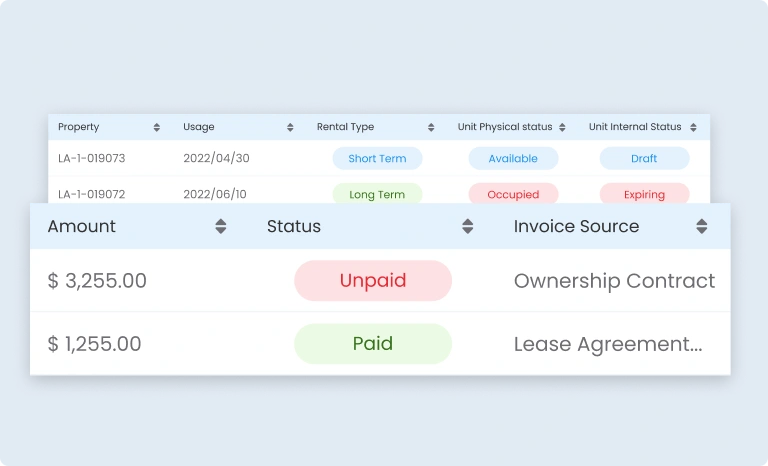
- Stay on top of your cash flow as invoice and bill payment statuses sync back
- Pull back write-off statuses to Propertese for reconciled bad debt
- See the Unit Status in real time in Propertese based on accounting data
All Control in Your Hands with QuickBooks Integration for Property Management
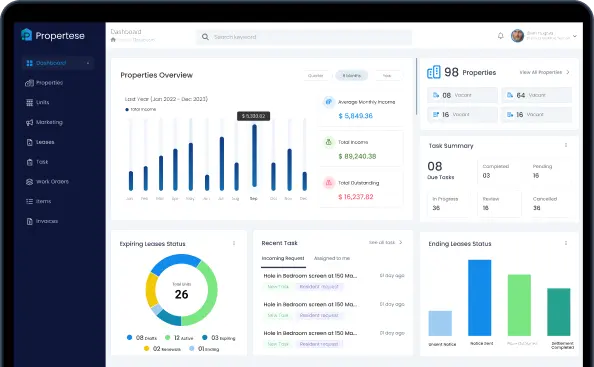
Three Steps to Get Connected

Connect
Link your Propertese and QuickBooks accounts in minutes. No IT expertise required.
Map
Map your properties to QuickBooks’ tracking categories. Set rules once and forget them.
Go
From that moment on, every transaction in Propertese flows into QuickBooks, and every payment in QuickBooks updates Propertese. Automatically.
People Also Ask
What exactly syncs between Propertese and QuickBooks?
Can I control which properties or units sync between Propertese and QuickBooks?
Yes. During setup, you choose which properties and transaction types sync. Some clients sync their entire portfolio. Others sync only specific properties. You maintain complete control.
Does it sync both directions?
How are properties tracked in QuickBooks?
Will my chart of accounts be affected?
Can I run property-level financial reports without manual work?
Contact Us
Have Questions? Get in Touch!