
The Self-Service Tenant Portal
for Real Estate
Grow tenant satisfaction and reduce administrative load by giving every tenant direct access to their lease, invoices, and maintenance requests through Propertese. An online tenant portal accessible the moment a tenant is onboarded.


The Real Estate ERP, Trusted by Property Teams and Finance Leaders
Propertese is the #1 choice for Real estate companies in the US, UK, and the Middle East. Built to automate property and finance operations, all in one place.















A Portal That Replaces the Inbox
Tenants without self-service access end up calling and emailing for things they should be able to check themselves, a lease date, an invoice amount, or whether a maintenance request has been actioned. Each one is a few minutes for the tenant and a real interruption for the property manager. The Propertese tenant portal property management experience removes that back-and-forth entirely, including for commercial tenants who expect direct, professional access to their account through a commercial tenant portal.
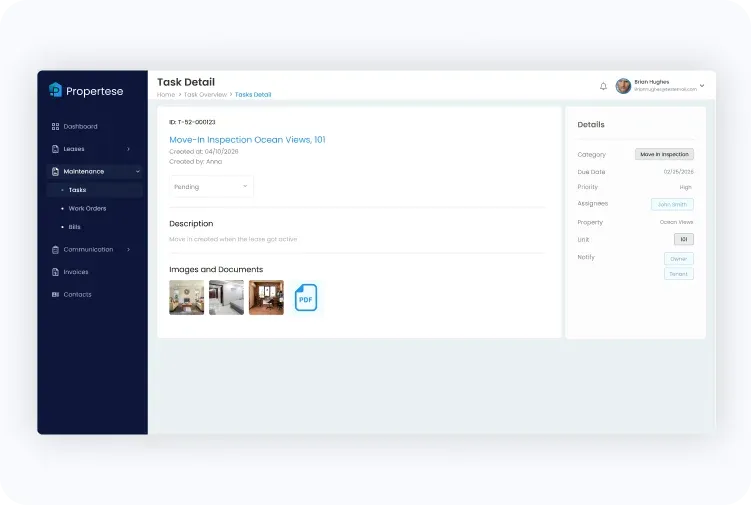
What Tenants Can Do From the Portal


Once a tenant logs in, three core actions are available directly from the portal, each one shown in the flow above. They can view lease details and download the signed PDF. They can view outstanding invoices and complete an online rent payment with immediate confirmation. They can submit a maintenance request with photos and track its status through to closure. Every action stays inside the portal, with no email exchange or phone call required at any point.
Portal Capabilities at a Glance
How it works, from first login to day-to-day use.
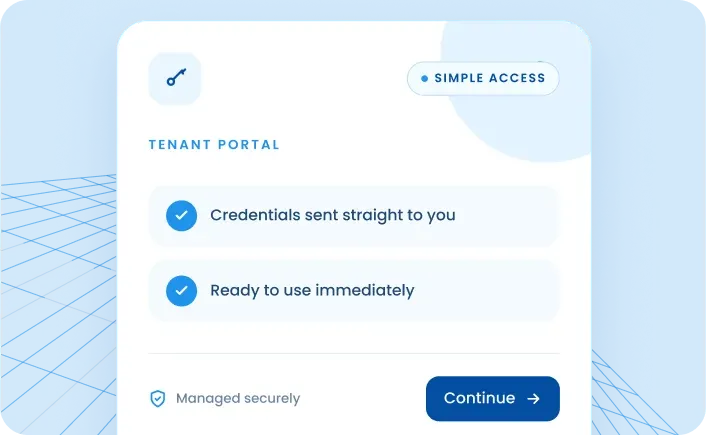
Getting Access
The property manager grants portal access directly from within Propertese during tenant onboarding. The tenant receives login credentials and can access their account immediately. No separate registration process, no third-party tool, and no additional cost regardless of how many tenants are added.
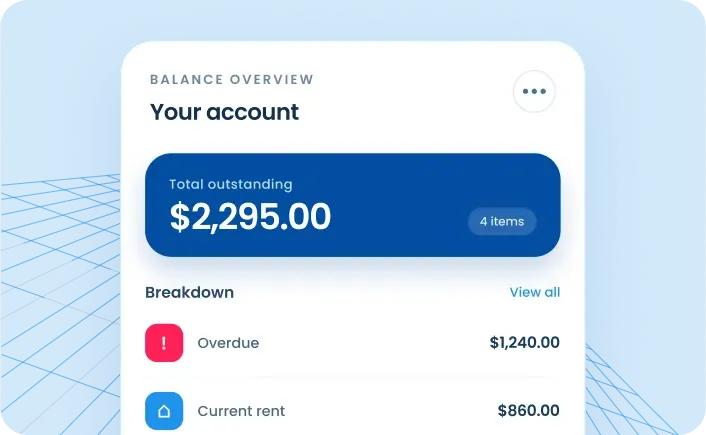
The First Screen
On login, a tenant lands on a balance overview widget showing every outstanding amount in their account, broken down by type: overdue invoices, current rental invoices, late fee invoices, and general invoices. This single screen answers the most common question tenants call about, what they owe and what it is for, without any back and forth.
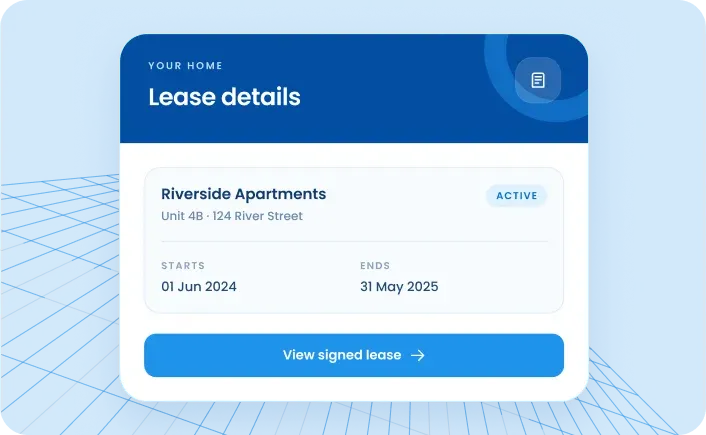
Lease Details
Tenants can access every lease they hold, active and historical. Each lease record shows the start and end date, the property and unit it relates to, and any rent increase clauses built into the agreement. Tenants can download the lease PDF and view the signed version directly from this screen.
Invoices and Payments
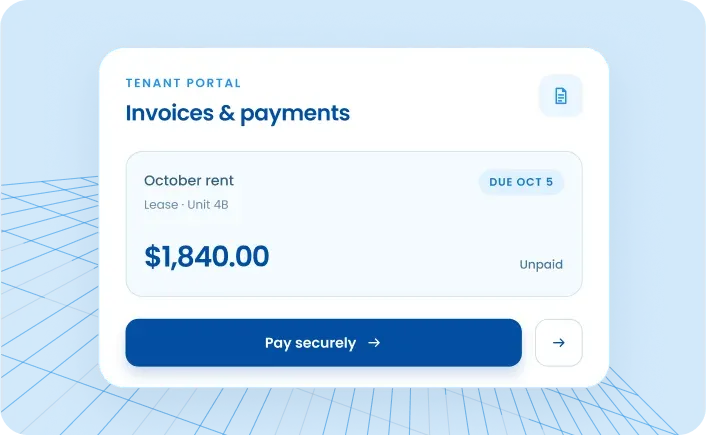
Every invoice a tenant has ever received is listed with its amount, the lease it belongs to, the period it covers, and its current payment status. An unpaid invoice can be selected and paid immediately through CyberSource using a credit or debit card. A payment confirmation appears on screen once the transaction is complete.
Maintenance Visibility
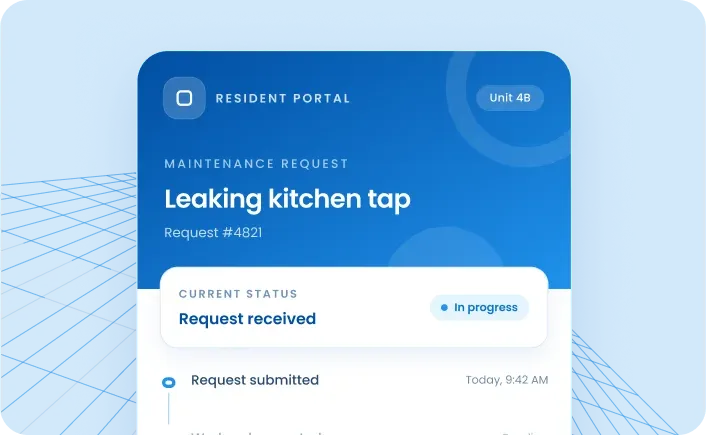
Tenants see every maintenance request linked to their property and unit, including current status, whether a work order has been created, and whether a vendor has been assigned. This removes the need to call the office to ask for an update.
Contact Directory
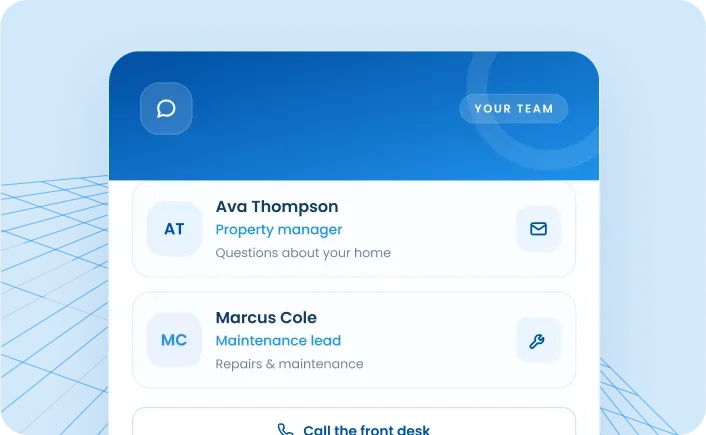
The portal includes a contact directory showing the property manager and maintenance team responsible for the property. Tenants know exactly who to contact and how, without needing to search for a number or email address.
Access Control
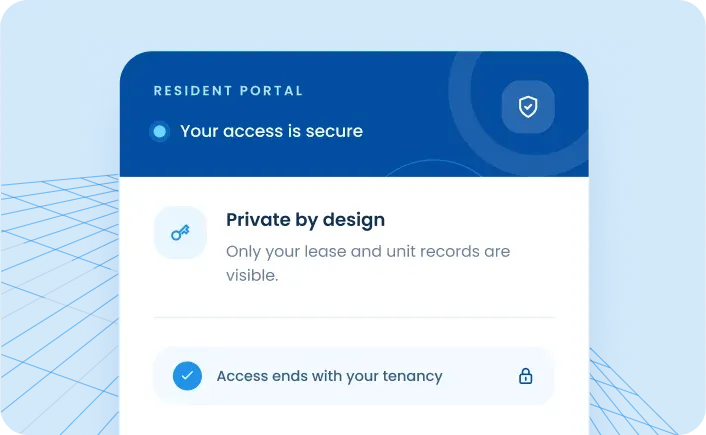
When a tenancy ends, portal access is revoked. Tenants only ever see records that belong to their own lease and unit. Nothing from other tenants or internal property management records is visible at any point.
People Also Ask

Tenants see their lease details, all current and historical invoices with payment status, maintenance request history and current status, and contact details for their property manager and maintenance team.