




Greendale
UK commercial property operator managing lease approvals, rent adjustments, and multi-subsidiary operations through structured approval workflows in Propertese.
Read Case StudyEvery approval routed automatically, tracked in real time, and connected to the right record the moment it is completed.

Propertese is the #1 choice for Real estate companies in the US, UK, and the Middle East. Built to automate property and finance operations, all in one place.














Real estate businesses managing approvals without a structured lease approval workflow face delayed authorizations, wrong approvers, and no visibility into where things stand.
A lease is signed and ready but the approval has not progressed. No one follows up, the tenant finds another property, and the unit goes vacant. Manual approval tracking is too slow for a business where timing directly affects revenue.
A high-value commercial lease goes to someone without the authority to approve it. A routine approval reaches a senior manager who should not be involved. Either way, time is wasted and the right person still has not seen it.
A vendor invoice gets approved without a matching work order on file. A rent increase goes through without the required sign-off. Without a logged record of each approval decision, these situations are difficult to prevent.
An approval was submitted and no one can tell where it is in the process. Has it been reviewed? Was it rejected? Who has it now? Without real-time tracking, no one has answers.
Approval workflow software includes custom approval paths, role-based routing, single or two-step reviews, and real-time tracking. Real estate workflow automation in Propertese connects every one of these directly to the lease and financial records within the same ERP.
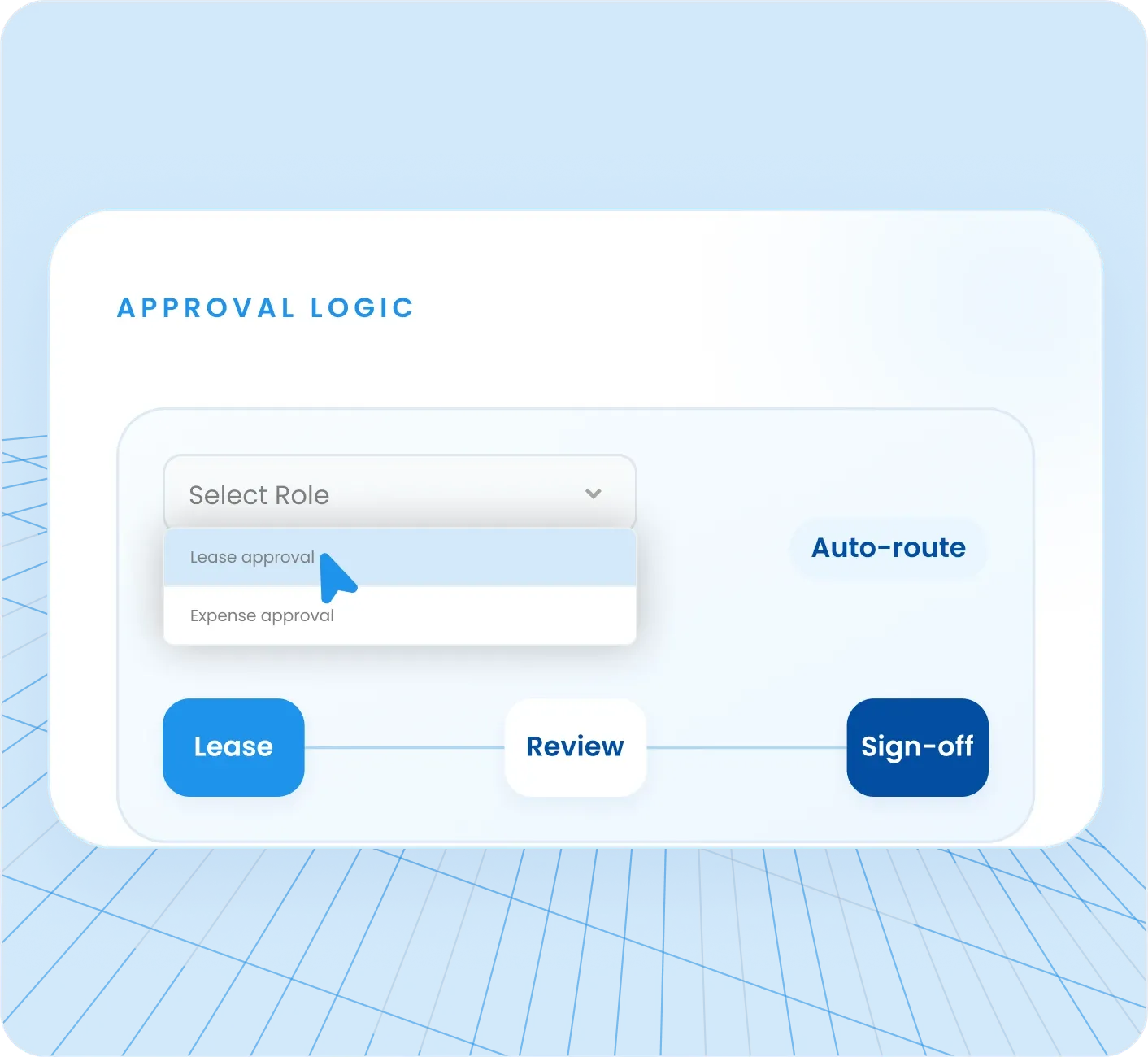
Every approval follows a defined path configured around how the business operates
The lease approval workflow in Propertese mirrors exactly how each real estate business operates. Custom approval paths are defined per transaction type, whether that is a standard lease, a high-value commercial agreement, a vendor expense, or a work order. Once configured, every transaction of that type follows the same approval sequence automatically.
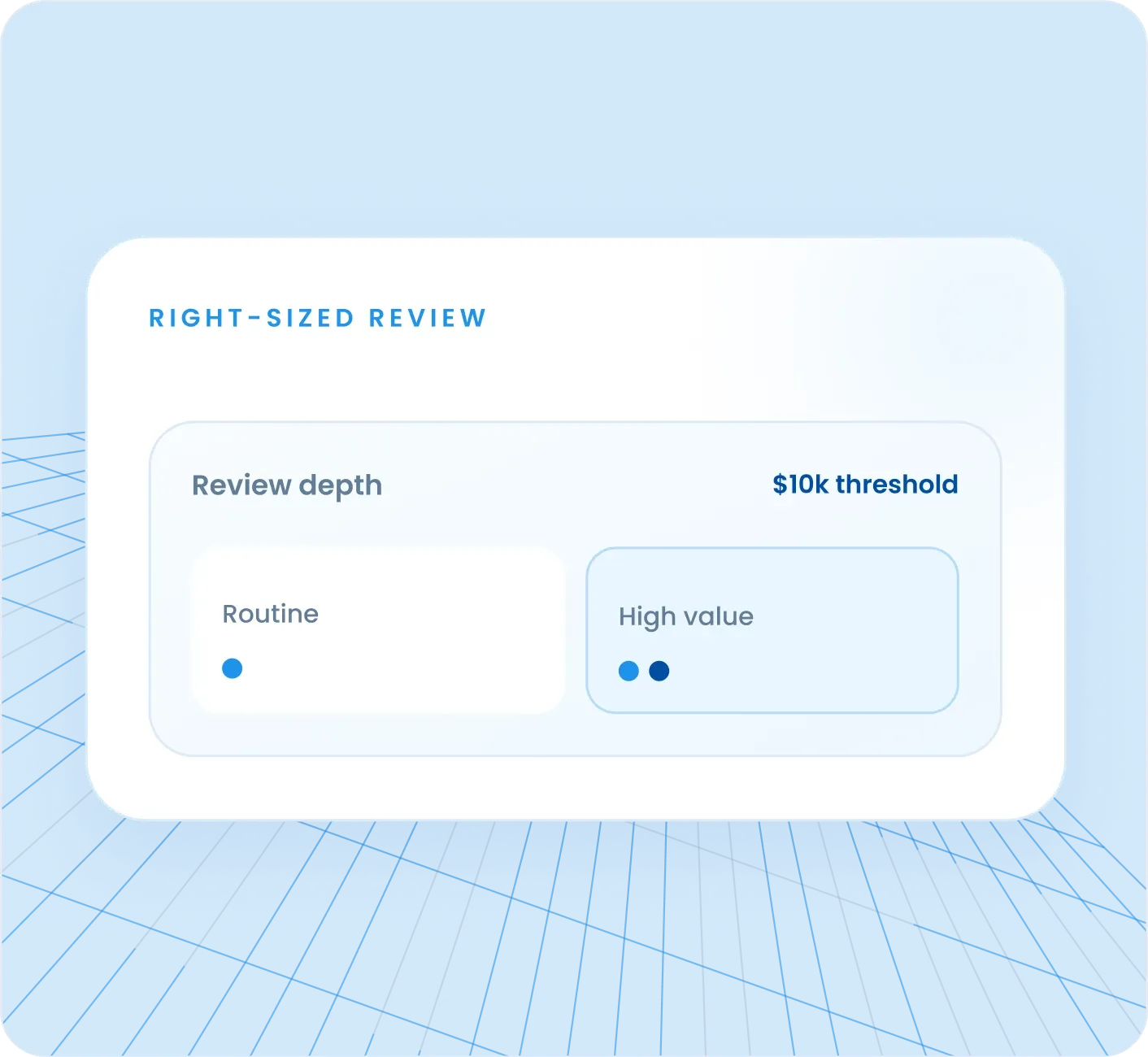
Approval depth matched to the transaction being reviewed
Not every approval requires the same level of scrutiny. Propertese supports single-step approvals for routine transactions and two-step reviews for higher-value or more complex ones. As automated approval workflow real estate software, Propertese lets property managers configure exactly which transactions get which level of review.
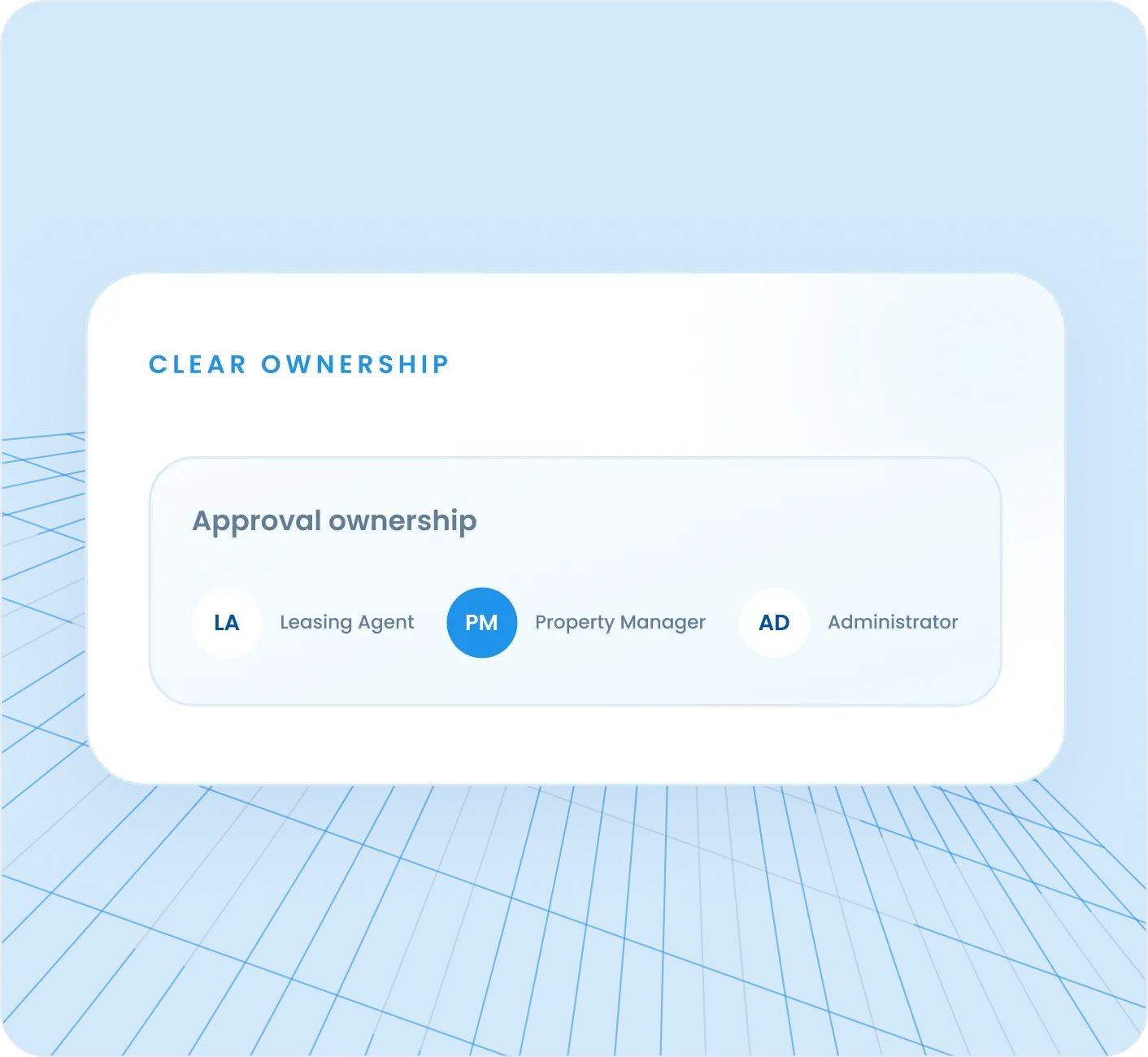
Every approval routed to the right person based on role and responsibility
Propertese assigns approval responsibilities by role. Leasing Agents handle initial review, Property Managers review financial terms, and Administrators handle final sign-off. The lease approval process in Propertese removes the question of who approves what by answering it in the configuration from day one.
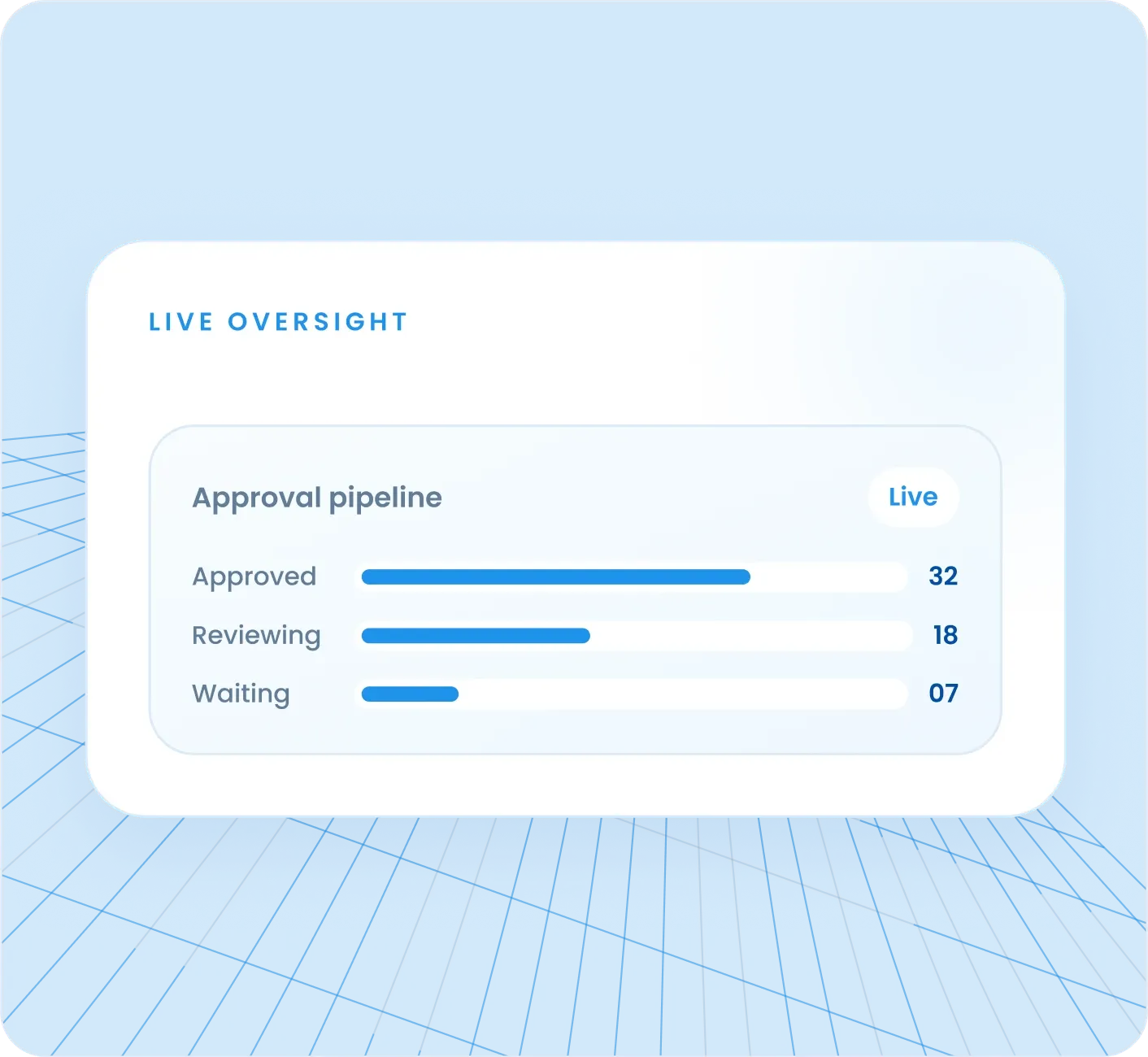
A live view of every approval in progress, every bottleneck, and every pending action
Propertese provides real-time visibility across the entire approval pipeline. Every approval request shows its current status, who it is waiting on, and how long it has been pending. Bottlenecks are visible before they cost time or deals. Propertese provides complete real-time visibility across every approval in the pipeline, from submission through to final decision.
Approval workflow software that operates outside the main ERP creates a gap. An approved lease still has to be updated in the leasing system. An approved vendor bill still has to be posted to the financial records. In Propertese, that gap does not exist.
See how Propertese helps leading real estate companies and property managers consolidate their business operations.
UK commercial property operator managing lease approvals, rent adjustments, and multi-subsidiary operations through structured approval workflows in Propertese.
Read Case Study

US real estate business managing tenancy contract approvals, CAM charges, and rental applications across 10 subsidiaries with role-based approval paths in Propertese.
Read Case Study

Dubai-based real estate group that brought lease approvals, expense management, and financial reporting onto one connected ERP with Propertese.
Read Case StudyApproval workflow software for real estate routes lease approvals, expense authorizations, and work order sign-offs through defined paths automatically. In Propertese, each completed approval updates the related lease, financial, or maintenance record without manual data entry.